Research topics
Compare public videos in a channel’s niche. Titles, publication dates and view counts help the creator decide which ideas to develop.
 Studio
 helps a creator research video ideas, review edits and learn how their own channels perform.
Sign in to Studio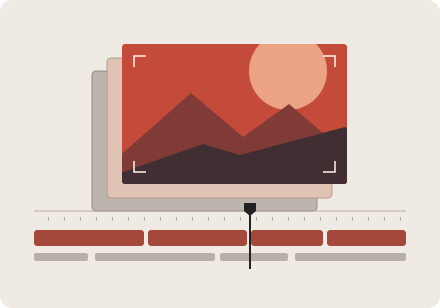
Compare public videos in a channel’s niche. Titles, publication dates and view counts help the creator decide which ideas to develop.
Review a cut alongside its title, thumbnail and captions. With a connected channel and the creator’s approval, Studio can upload the video to YouTube.
Read analytics for connected channels. Match changes in audience retention to moments in a video and use those findings when planning the next edit.
The workspace is for the operator’s own or managed channels. The operator connects each channel separately through Google.
See how the app handles channel data in the Privacy Policy.